TL;DR
Every team eventually asks the same question: is our meeting tool actually right for us, or is it just the one we started with? The answer usually depends less on features and more on what kind of meetings you're actually having.
Employees now spend 11.3 hours a week in meetings, 28.3% of a standard workweek, according to Fellow's analysis of over 30,000 companies. That time carries a real cost: unproductive meeting time alone is estimated to run roughly $29,000 per employee per year.
This roundup compares six virtual meeting platforms options, SpatialChat, Zoom, Slack, RingCentral, Zoho Meeting, and GoTo Meeting, across pricing, what each is actually built for, and where each falls short.
A few criteria matter more than a feature list when evaluating a switch:
Weight these differently depending on whether you're a 10-person startup or a 500-person company already invested in other tools.
Pricing shown is the lowest published list rate as of 2026, annual billing where available.
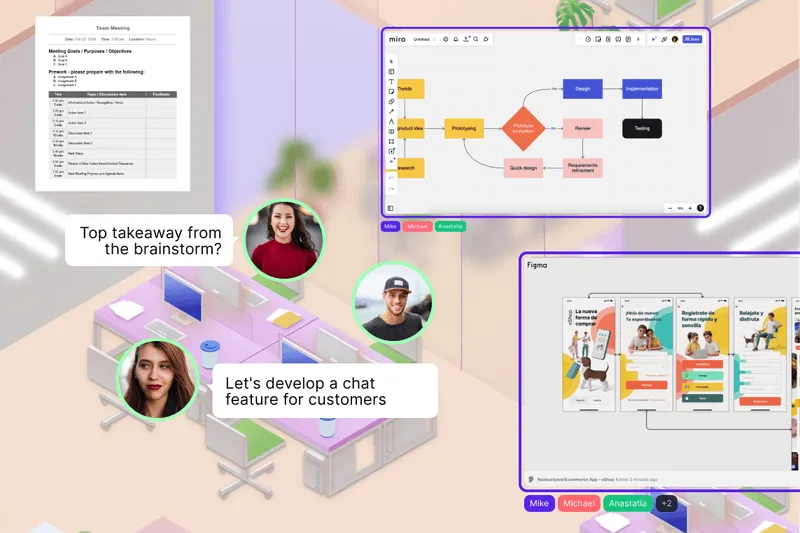
SpatialChat swaps the fixed video grid for a shared space where people move between conversations. Audio fades in as you approach a group and fades out as you leave.
Key features:
Best for: Teams that want quick meetings to feel less like a scheduled call and more like walking over to someone's desk, plus the flexibility to host larger all-hands in the same space.
Limitation: Less of a fit for a team that just wants the fastest possible one-click call with no learning curve at all.
Pricing: Try SpatialChat's pricing to see how it scales for your team size.
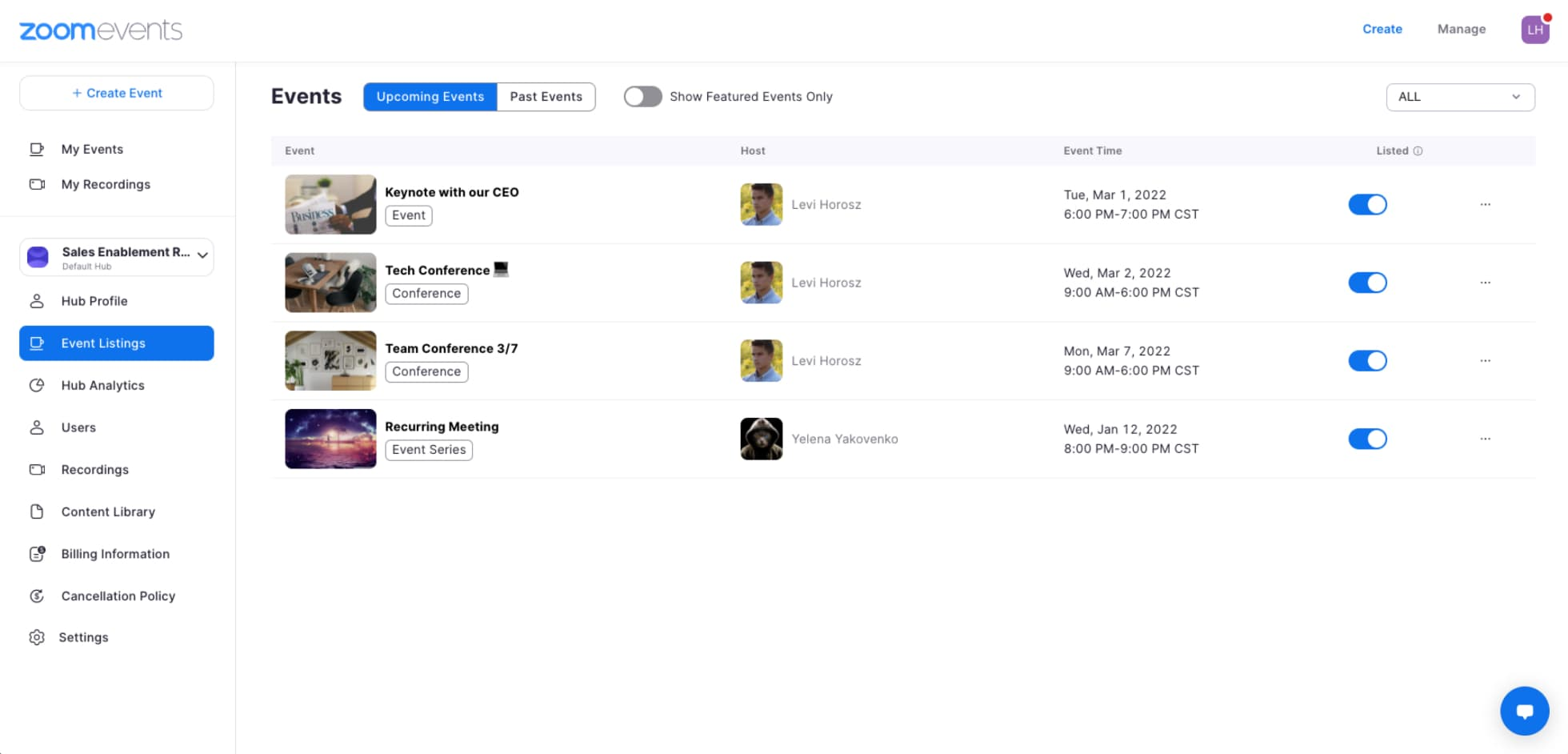
Zoom remains the platform most people already know, which is exactly why it's often the default rather than a deliberate choice.
Key features:
Pricing: Free for 40-minute group calls up to 100 participants. Pro runs about $14.16/user/month, Business about $18.33/user/month, both billed annually.
Best for: Teams that want the least friction with external clients or partners, since almost everyone already has it installed.
Limitation: Add-ons for webinars, phone, and extra storage push real cost well past the advertised per-user rate.
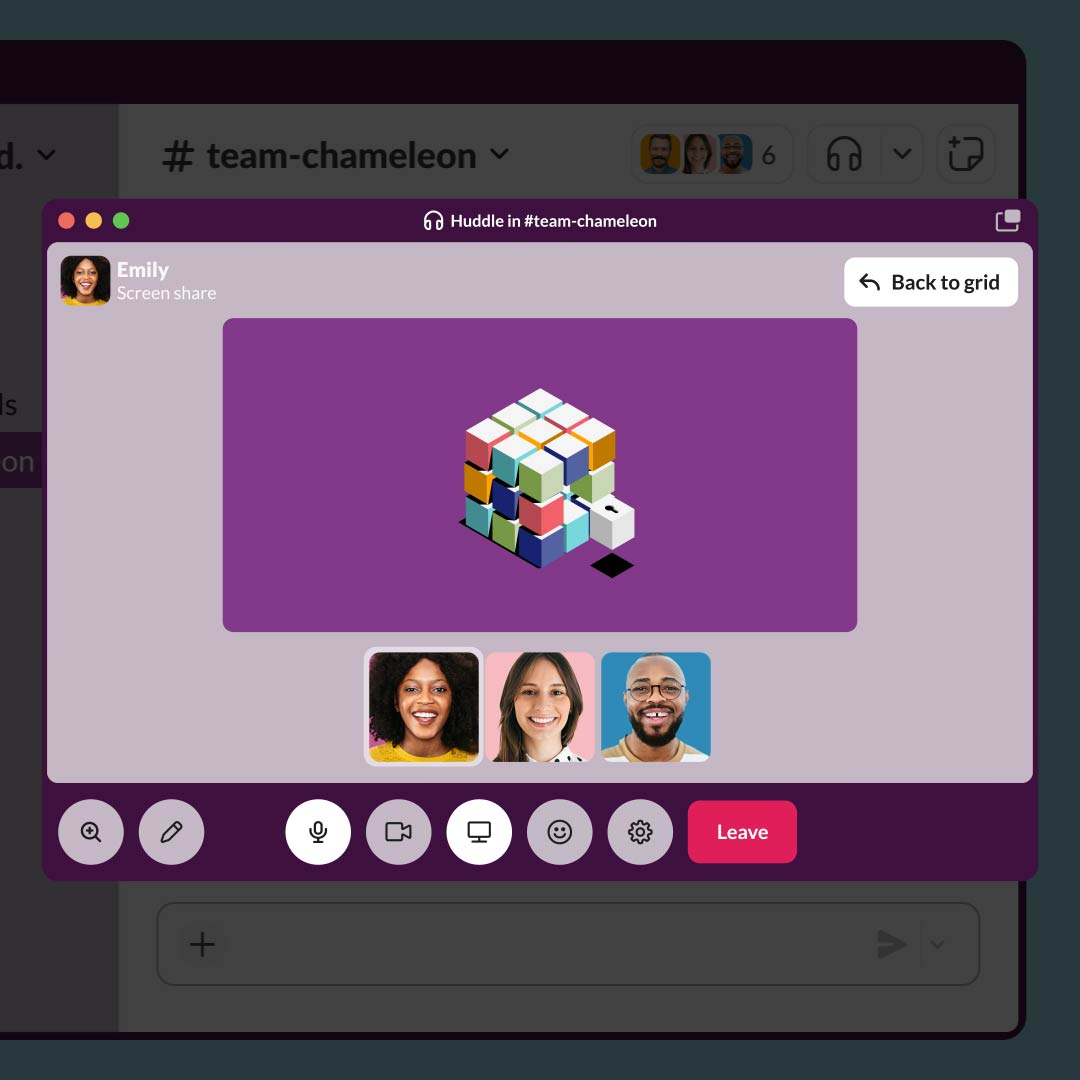
Slack's Huddles turn a chat channel into an instant audio or video call, with no scheduling and no separate app to open.
Key features:
Pricing: Free plan allows 1:1 huddles only. Pro (group huddles up to 50 people) runs about $7.25/user/month, Business+ about $15/user/month.
Best for: Fast, informal check-ins between people already chatting in Slack, where scheduling a separate call would be overkill.
Limitation: Huddles have no native cloud recording, and Slack was never built to replace a dedicated video platform for longer, structured meetings.
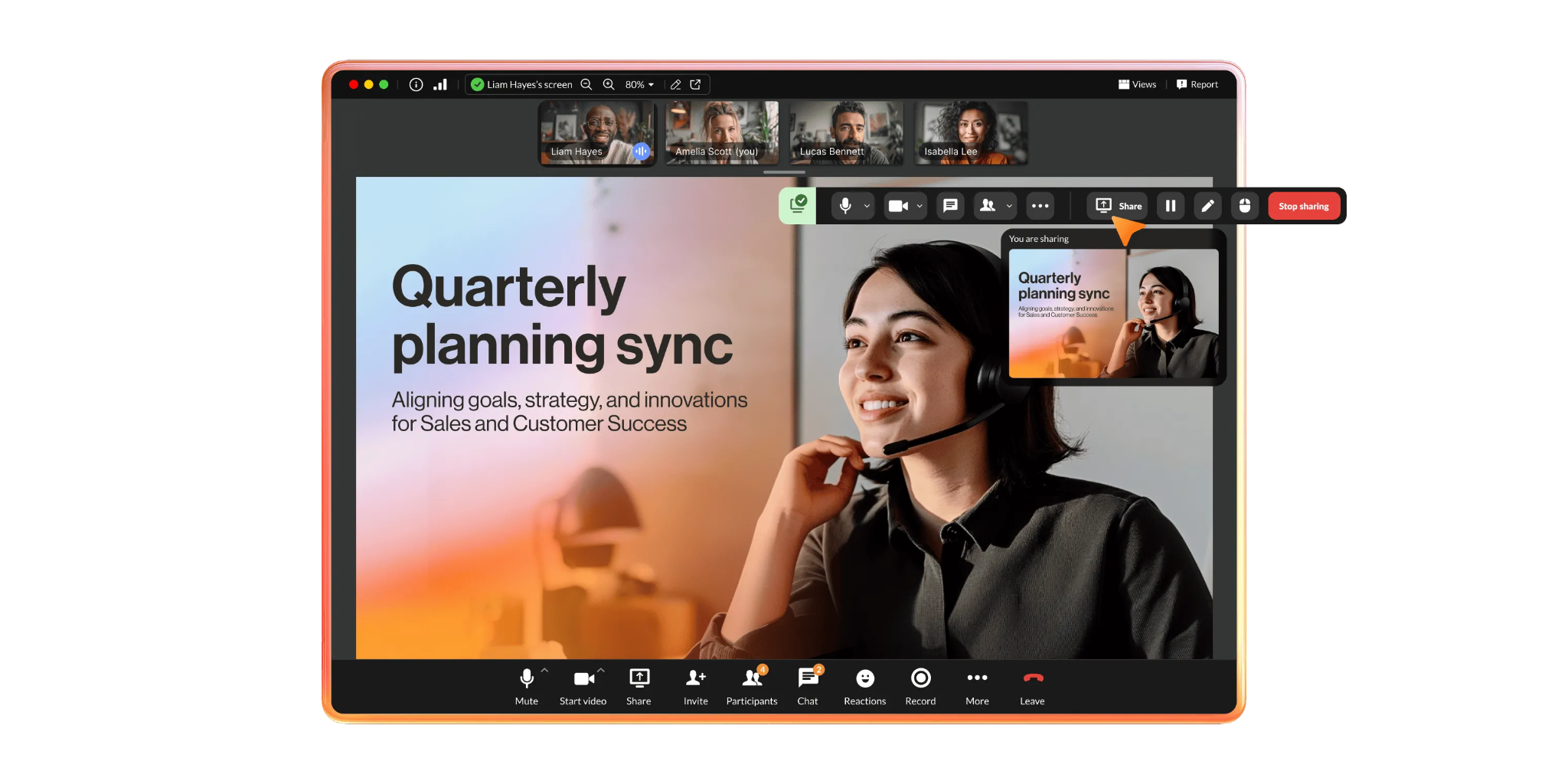
RingCentral is built around business phone service first, with video meetings as one part of a larger unified communications package.
Key features:
Pricing: No free tier. Core runs $20/user/month, Advanced $25, Ultra $35, all billed annually.
Best for: Teams that need a real phone system alongside video, not just a call-in number bolted onto a meeting app.
Limitation: SSO and unlimited storage are gated behind the top Ultra tier, and mandatory regulatory fees add to the advertised price.
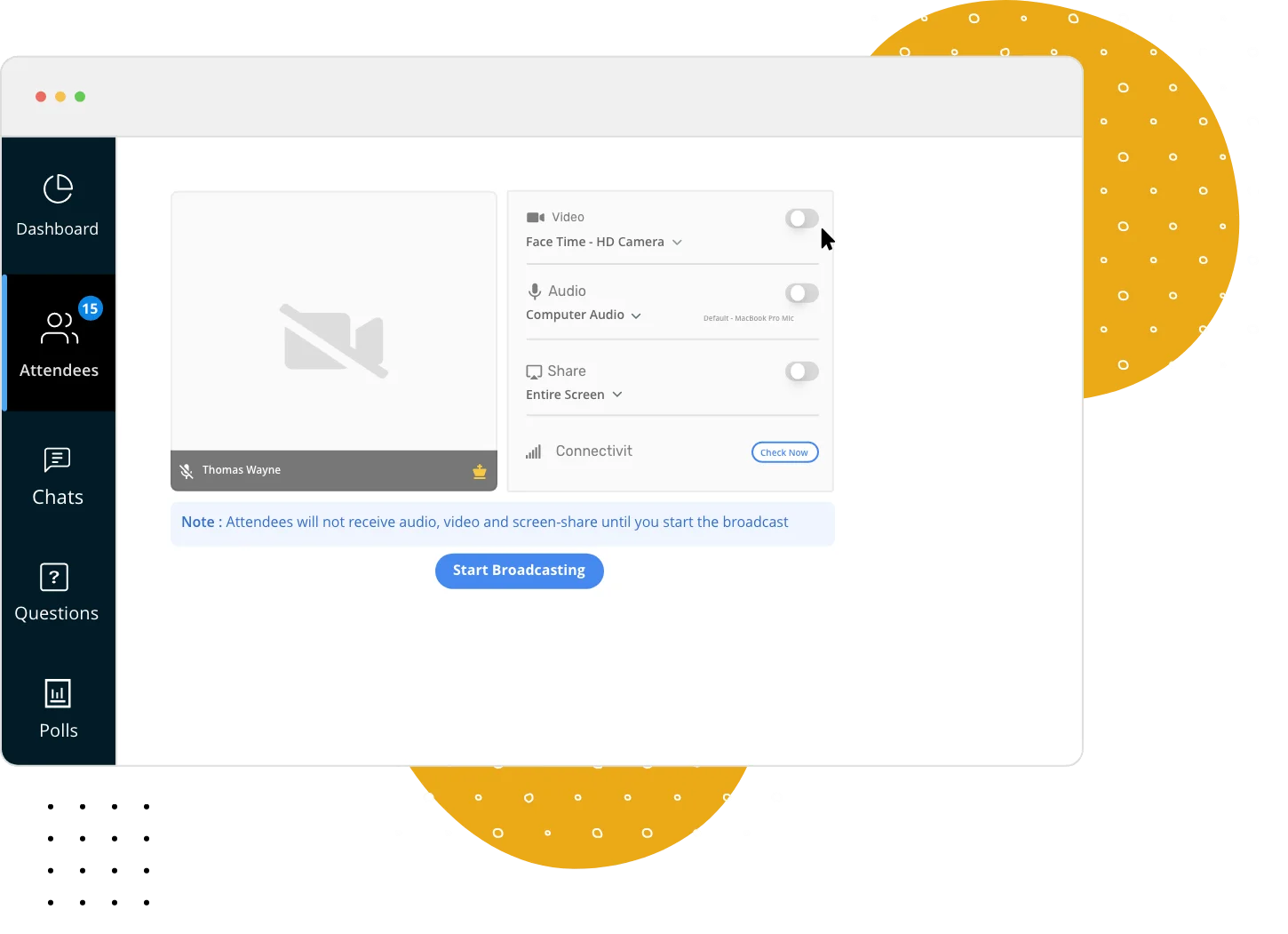
Zoho Meeting keeps its pricing dramatically lower than most competitors, particularly for teams already using other Zoho products.
Key features:
Pricing: Free tier available. Standard and Professional plans run roughly $2-3 per host per month, with webinar plans priced separately from $9-19/organizer/month.
Best for: Small businesses on a tight budget, especially those already using Zoho CRM or Zoho's other tools.
Limitation: The interface feels dated next to competitors, and advanced features lag behind what Zoom or RingCentral offer at a similar price point.
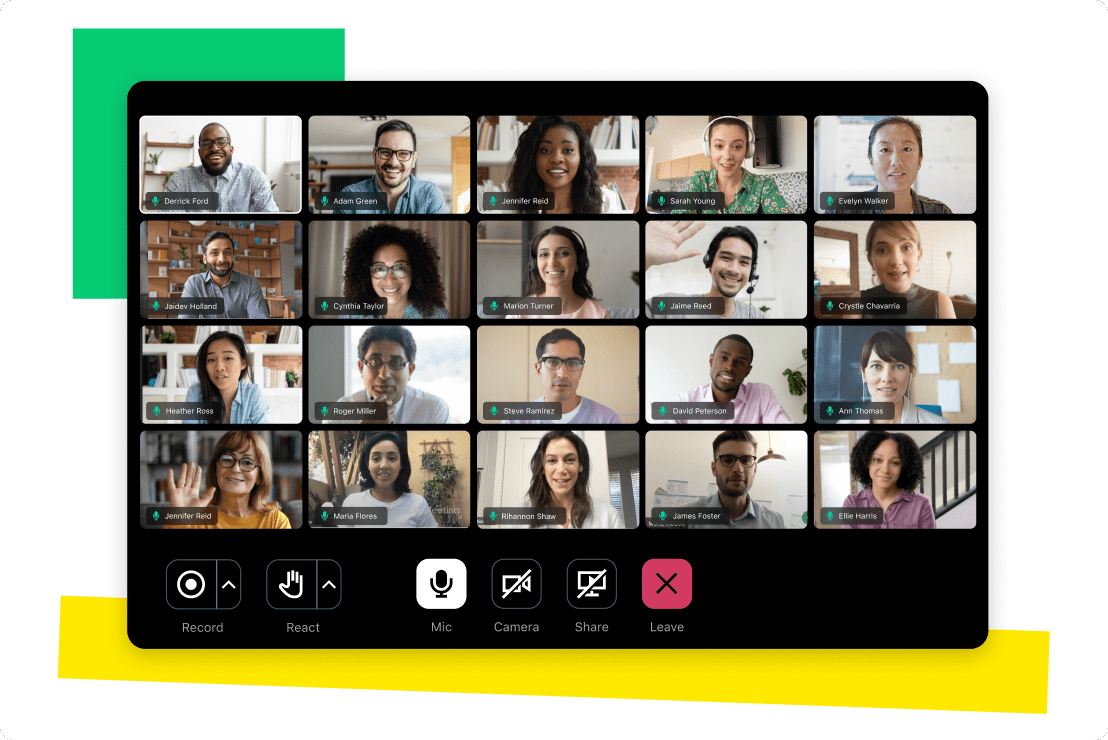
GoTo Meeting built its reputation on stability and enterprise trust, though that reputation now competes against tools bundled free into suites teams already pay for.
Key features:
Pricing: Runs roughly $12-16 per organizer per month, with no widely available free tier.
Best for: Organizations that specifically value GoTo's long enterprise track record over a lower sticker price.
Limitation: It struggles to justify its cost against tools like Microsoft Teams or Google Meet, which most businesses already have through an existing suite.
Match the platform to your actual meeting pattern, not the one with the most name recognition:
How to beat virtual meeting fatigue is worth reading regardless of which platform you pick, since fatigue often comes from meeting habits more than the tool itself.
There's no single best virtual meeting platform, only the one that fits what your team actually needs from a meeting. Six real options here span proximity-based team spaces, the industry default, chat-integrated huddles, phone-first communication, budget pricing, and enterprise reliability.
Start with what's actually driving the decision, whether that's cost, fatigue, or a format your current tool wasn't built for.
For the fuller picture on running virtual meetings and events well beyond just picking a platform, see our complete guide to hosting a successful virtual conference.
Try SpatialChat free to see what a meeting feels like when it's not just a grid of faces.
Zoho Meeting is the cheapest paid option at roughly $2-3 per host per month. SpatialChat, Zoom, and Slack also offer usable free tiers for small teams before any paid upgrade is needed.
Not fully. Slack's Huddles work well for quick, informal check-ins, but they lack native recording and weren't built for longer, structured meetings the way a dedicated video platform is.
Not necessarily, unless your team makes frequent external calls. RingCentral bundles phone and video together, which can cost less overall than paying for both separately.
It varies. Zoom's free tier supports up to 100 participants for 40 minutes, while Slack's free plan is limited to 1:1 huddles only. Check the specific cap before assuming a free plan covers your team size.
Zoho Meeting, since it integrates directly with Zoho CRM and the rest of the Zoho suite, avoiding the cost and friction of adding a separate meeting tool.
Most can, though quality and storage limits vary. Slack Huddles specifically do not support native cloud recording, which is worth knowing before relying on it for meetings you'll need to revisit.
It depends on whether you value its long enterprise track record over cost. Many teams find that tools bundled into a suite they already pay for, like Microsoft Teams or Google Meet, cover the same need for less.
It depends entirely on current spend and team size. Teams paying for phone, video, and chat separately often save the most by consolidating into a bundled option like RingCentral or an existing Microsoft 365 or Google Workspace plan.
A meeting platform is built around scheduled, discrete calls. A virtual office platform, like SpatialChat's broader positioning, adds persistent presence, so people can drop into a conversation without scheduling it first.
Not directly, since all six are built around real-time meetings. For teams leaning heavily async, pairing a lightweight meeting tool with strong recording and searchable notes matters more than the meeting platform itself.